
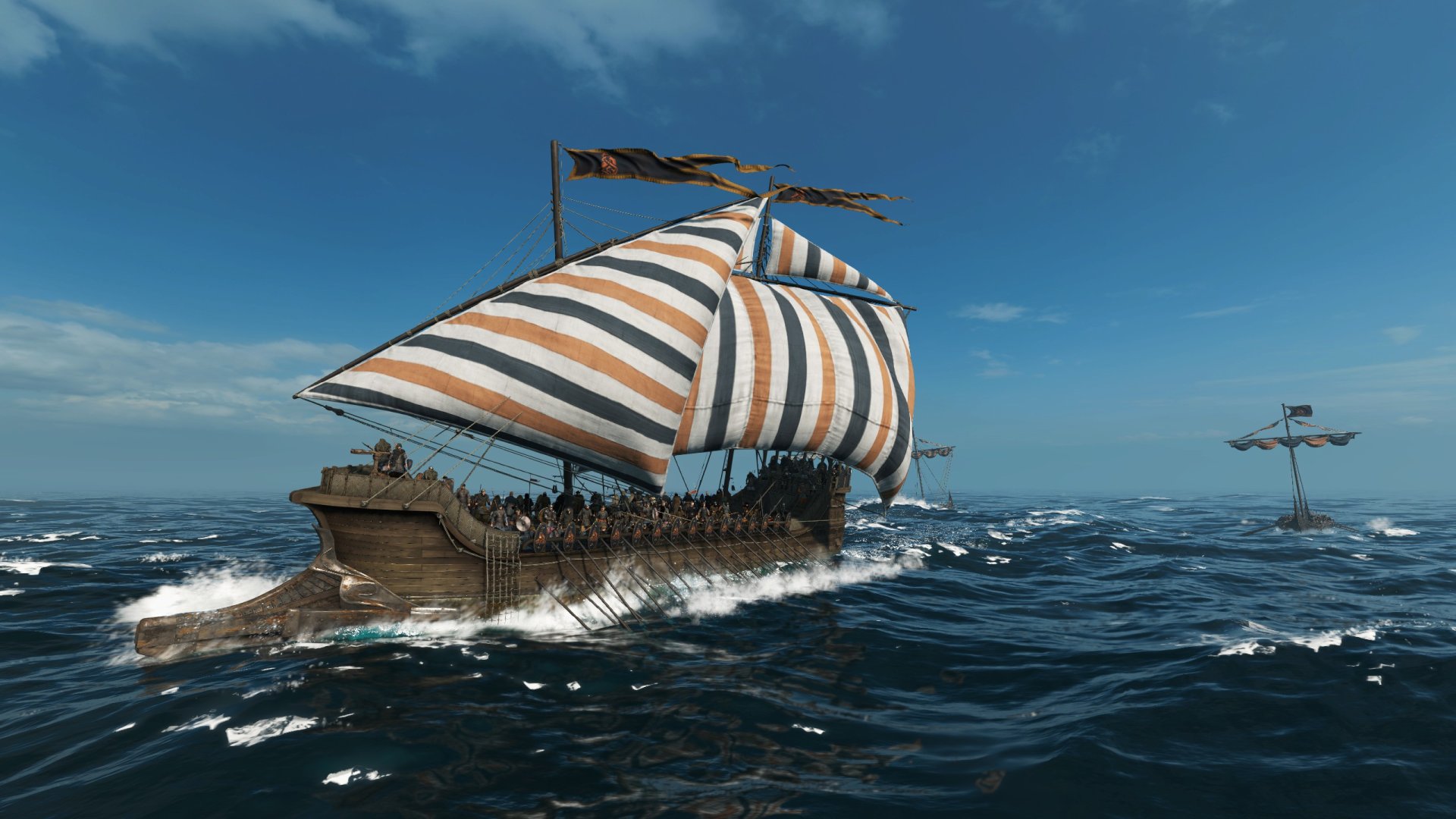
Chances are you’re starting the Mount & Blade 2: Bannerlord War Sails expansion and are wondering how to get a ship. Fortunately for you, I’ve put together all the different ways and tricks to get one in this guide. The many methods vary from playing the War Sails campaign to buying them and more. Alongside this, I’ve also included information on how to give ships to parties in your clan as well.
- How to Get a Ship in Mount & Blade 2: Bannerlord
- How to Capture a Ship in Mount & Blade 2: Bannerlord
- How to Give Ships to Clan Parties
How to Get a Ship in Mount & Blade 2: Bannerlord
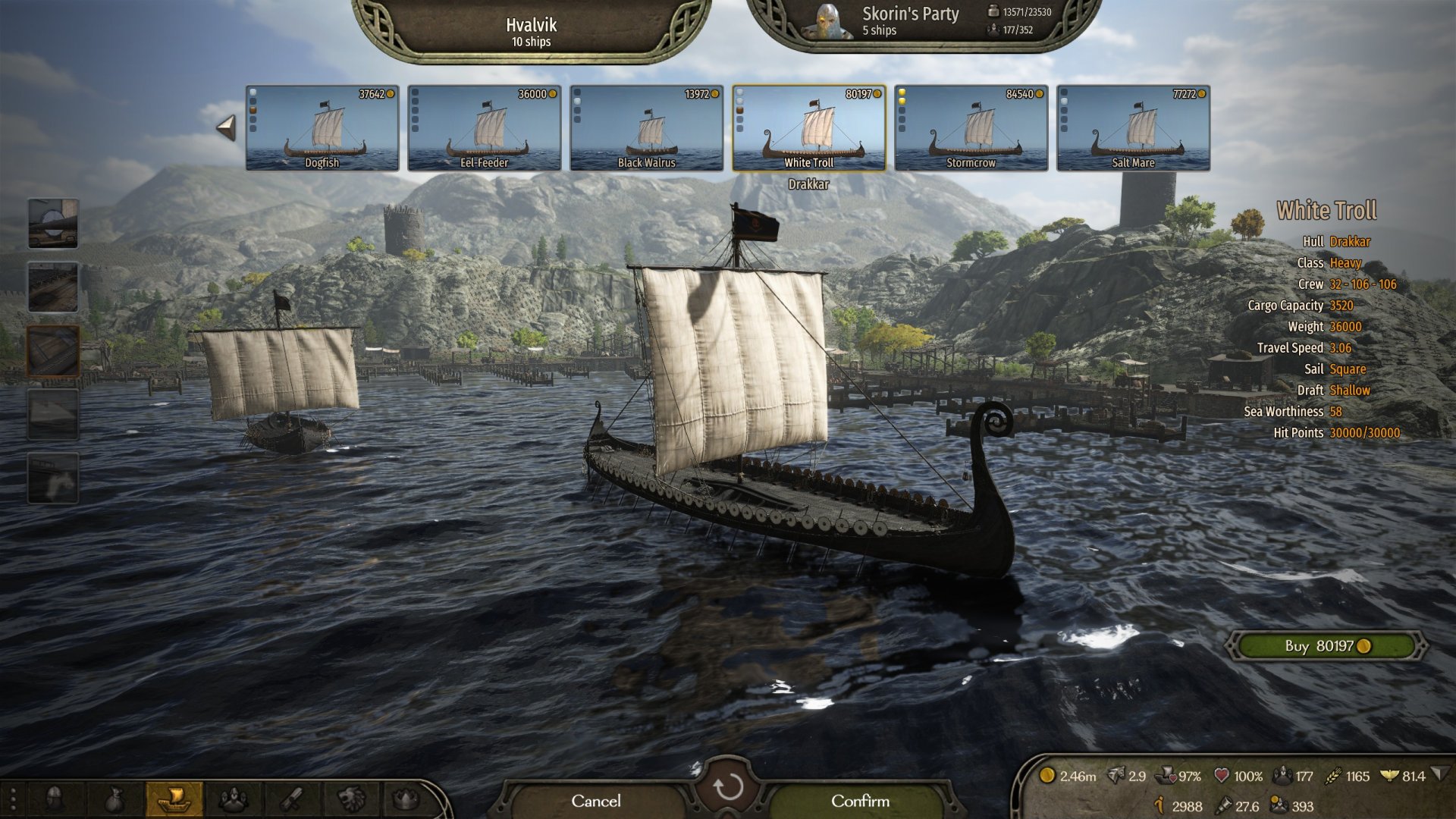
Before you can start sailing on the open sea in the War Sails expansion, you’ll need to get a ship or participate in the campaign. If you follow the War Sails campaign explained in our walkthrough, they’ll loan you a ship during it. However, you’ll likely want to get one or many of your own. And if you’re in the Sandbox mode, you won’t be able to take this route.
Here are several ways to get ships in the Mount & Blade 2: Bannerlord expansion:
- Completing the War Sails campaign will give you a medium longship named Wave-Steed.
- Every town adjacent to the water with a big anchor to the left of its name has a port. Entering a town with this anchor has an option to “Go to the port”. Afterward, click the “Inspect shipyard” or “Manage fleet” button to see what ships are available. If you already have a ship, tap the button near the top of your screen that says the name of the town. This will show every purchasable ship here. Each town can have different types available depending on both its culture and Shipyard level.
- Capture ships from enemies in sea battles. If you already have a ship or fleet, you can get ships as loot after winning sea battles. Aside from being a great way to make money, you can also increase your chances of capturing ships via a perk. Boatswain level 100 has the Gilded Purse perk, which gives a +25% chance of capturing ships.
While that wraps up how to buy ships, if you’re not sure how to upgrade ships, here’s a quick explainer. In the same way you can visit a town’s port to buy ships, you can also upgrade your ship there. If you’re unable to buy upgrades while looking at your ships, there are two potential reasons why. First, you can’t upgrade your ship if it’s damaged. And second, the port you’re at may not have the upgrades you’re looking for.
How to Capture a Ship in Mount & Blade 2: Bannerlord
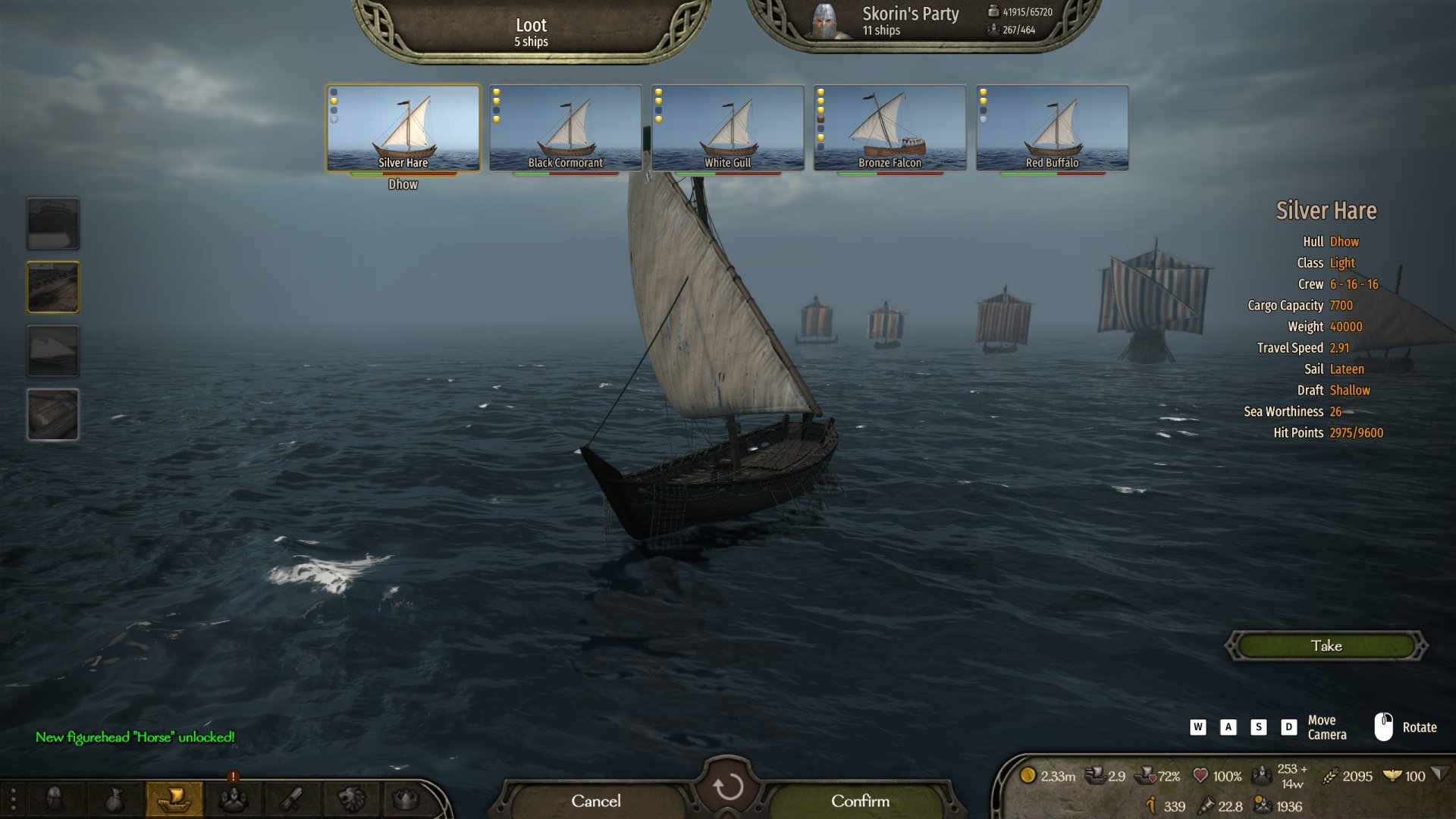
One of the common questions I’ve seen Mount & Blade 2 players have is how to capture a ship. This isn’t part of the sea battle itself since it actually happens after the battle when getting your loot. As far as I can tell, capturing a ship simply revolves around winning and likely not destroying the ships you’re trying to get.
In order to increase your chances of capturing a ship, you can use the perk I mentioned in the previous section. This is the Boatswain level 100 perk, Gilded Purse. It’ll increase your chances by +25%. If you’re not sure how to level up Boatswain, the main way is by repairing ships. A good strategy is to repair every ship you plan on selling, since you’ll still profit even if it’s a bit less.
How to Give Ships to Clan Parties
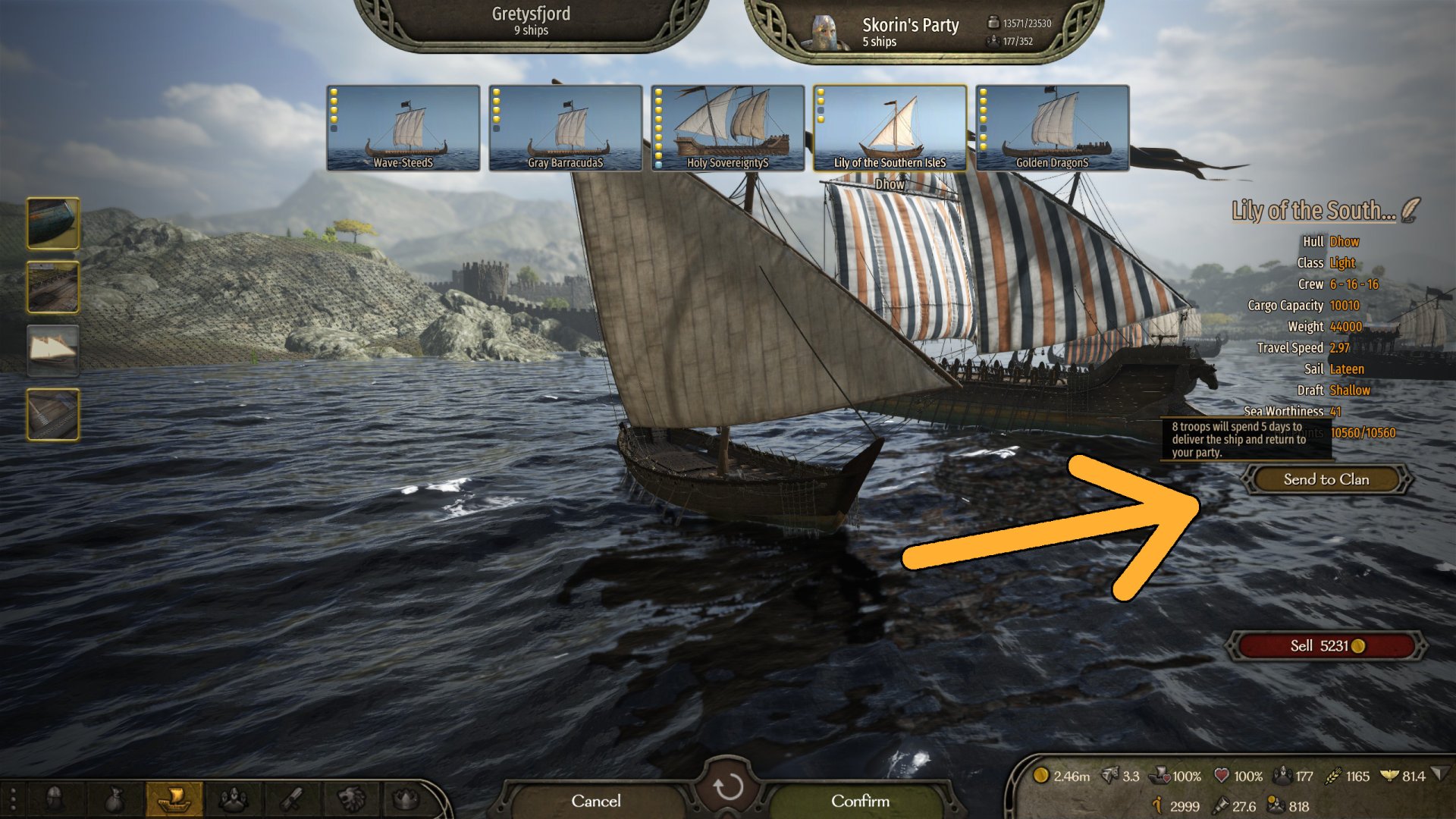
If you already have a bunch of ships and perhaps have too many, you can send them to other parties in your clan. This will give them a fleet of their own for traveling across the ocean. Fortunately, this doesn’t apply to Caravans in your clan, since they won’t need ships to function. Here’s how to give ships to your clan:
- Enter the manage fleet screen or be at the looting ships screen after winning a battle. You can enter the manage fleet screen from the ship button near the bottom left or by entering a town’s port. If the ship button isn’t available, it may be because you’re on land.
- On either screen, select the ship that you want to give to your clan.
- Then, click the “Send to Clan” button on the right side of your screen. This will require eight troops per ship, who will spend five days delivering them before returning to your party. Based on my brief testing, it seems to randomly select high-tier troops. In my experience, it took a mixture of tier 6 and tier 5 troops.
- Finally, click the green “Confirm” button near the bottom of your screen.
The unfortunate part of this feature is that you can’t select which party to send your ships to. However, you can at least see how many ships each party has. This is visible on the Clan page, under the Parties tab. All that aside, another useful bit of info is that if a party is captured, their ships will be sold with the money then given to you.


Jeff is a journalist with over 10 years of experience writing, streaming, and making content about video games. With an associate degree in journalism, he’s a sucker for RPGs, survival games, roguelikes, and more.