
Wardogs is a complicated tactical FPS where it helps to learn some tips and tricks. Due to how in-depth it is, I won’t cover everything, but I do want to emphasize certain tips to point you in the right direction. Certain ones are basic for new players, while others are tricks you may not know as an experienced player. But everyone needs a reminder to not forget their parachute!
Tip 1 – Almost Everything Earns Money
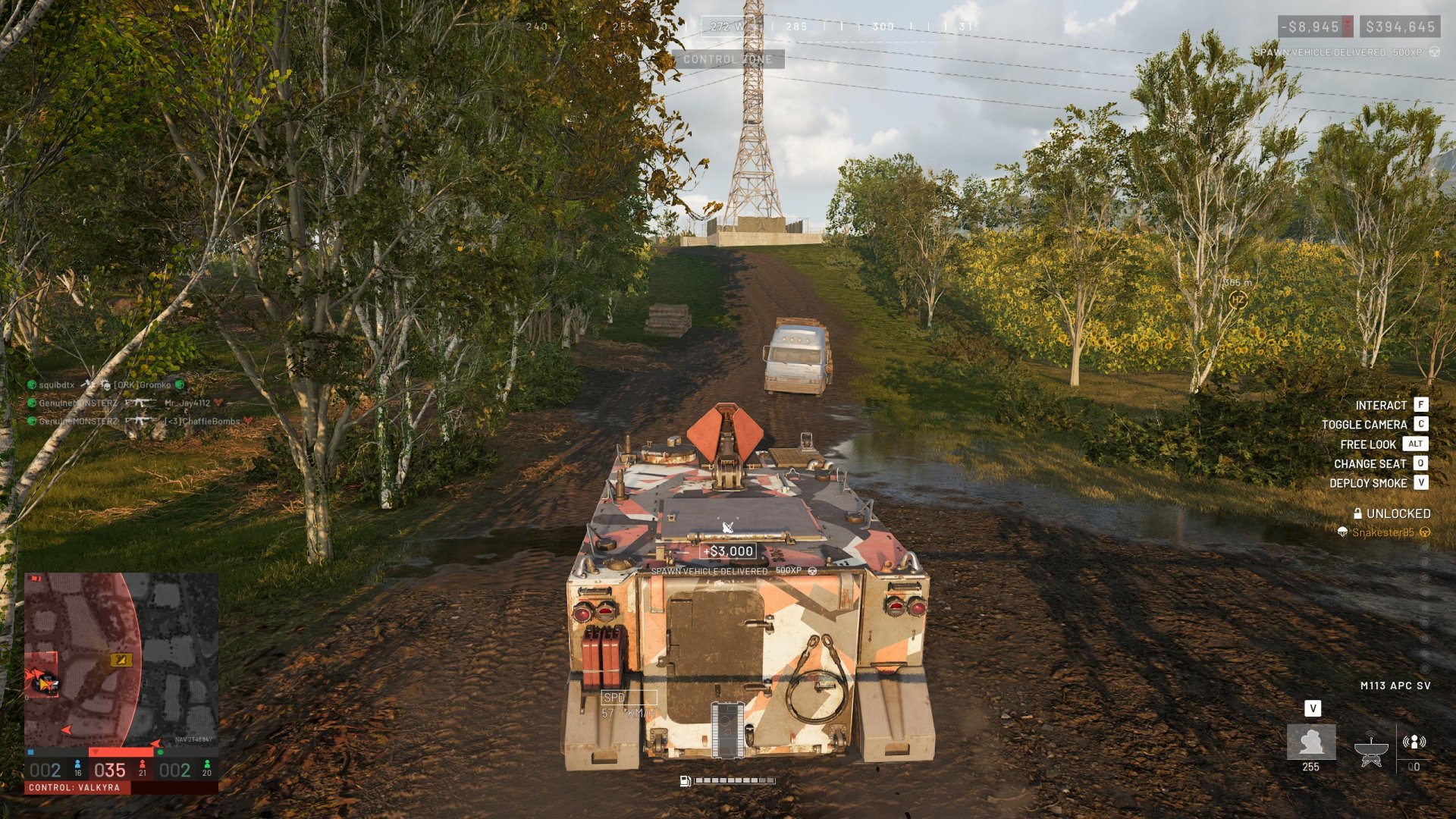
Earning money in Wardogs is important if you want to buy expensive gear and unlock new items as well. Fortunately, the cool part about this FPS is that almost everything you do can reward you. Wardogs does a good job of encouraging a variety of playstyles by giving you money for most actions. Similarly, these actions also give you experience toward each class. Here are some examples:
- Spotting enemies, vehicles, and certain player-built structures. You’ll earn money for spotting them and even more when they’re killed or destroyed. This includes if an enemy takes them down as well.
- Reviving and healing your teammates. You’ll also get revive assists if the person you revive goes on to get kills.
- Delivering supplies to a FOB. Similar to reviving, you can also get FOB Supplied Assists from this.
- Transporting players to the zone. You can even get Deployed Player Assists from this too.
- Waiting to be revived instead of giving up.
- Building with a hammer.
- Unsurprisingly, killing enemies or getting assists in doing so.
Tip 2 – Don’t Forget Your Parachute
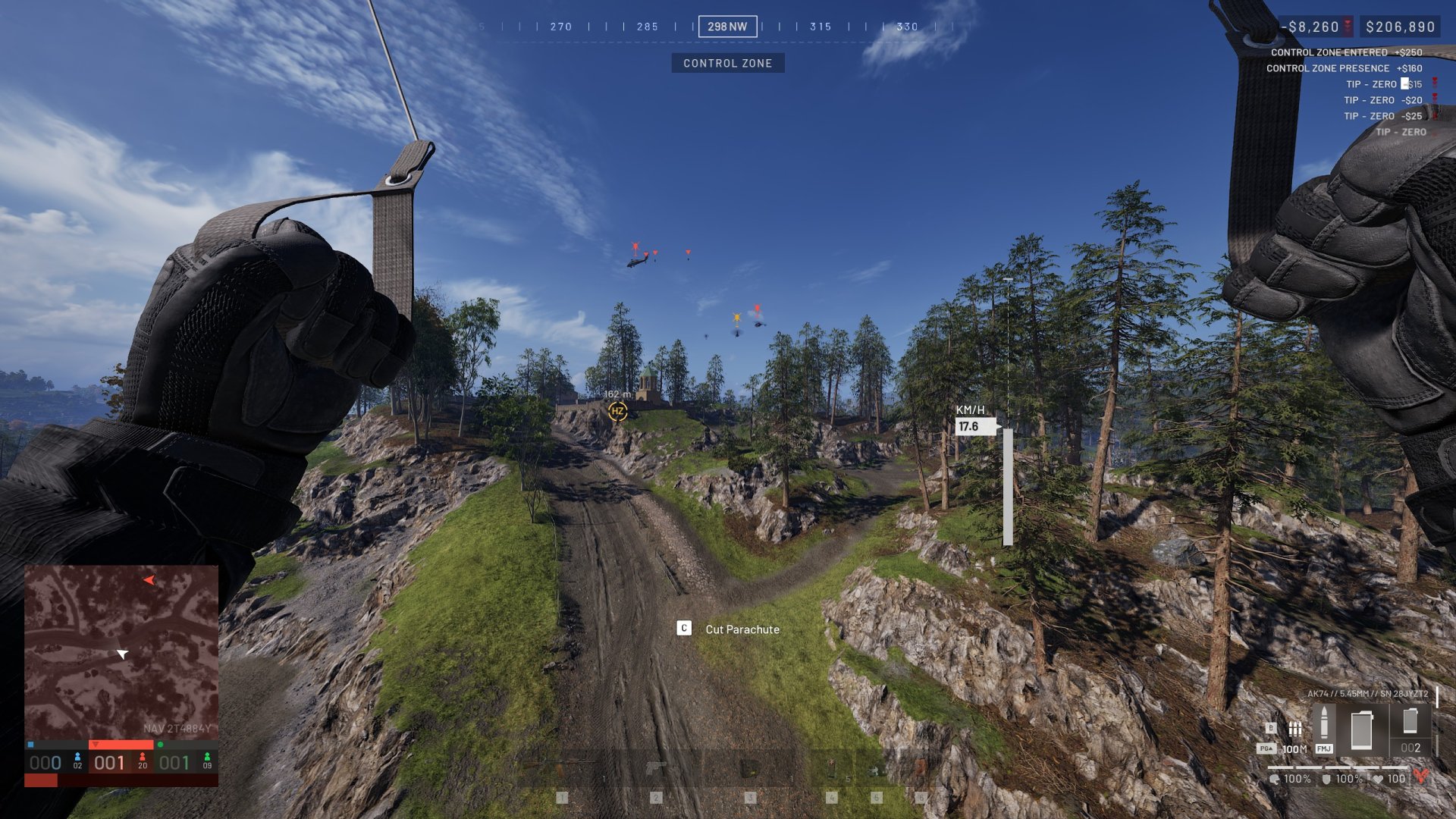
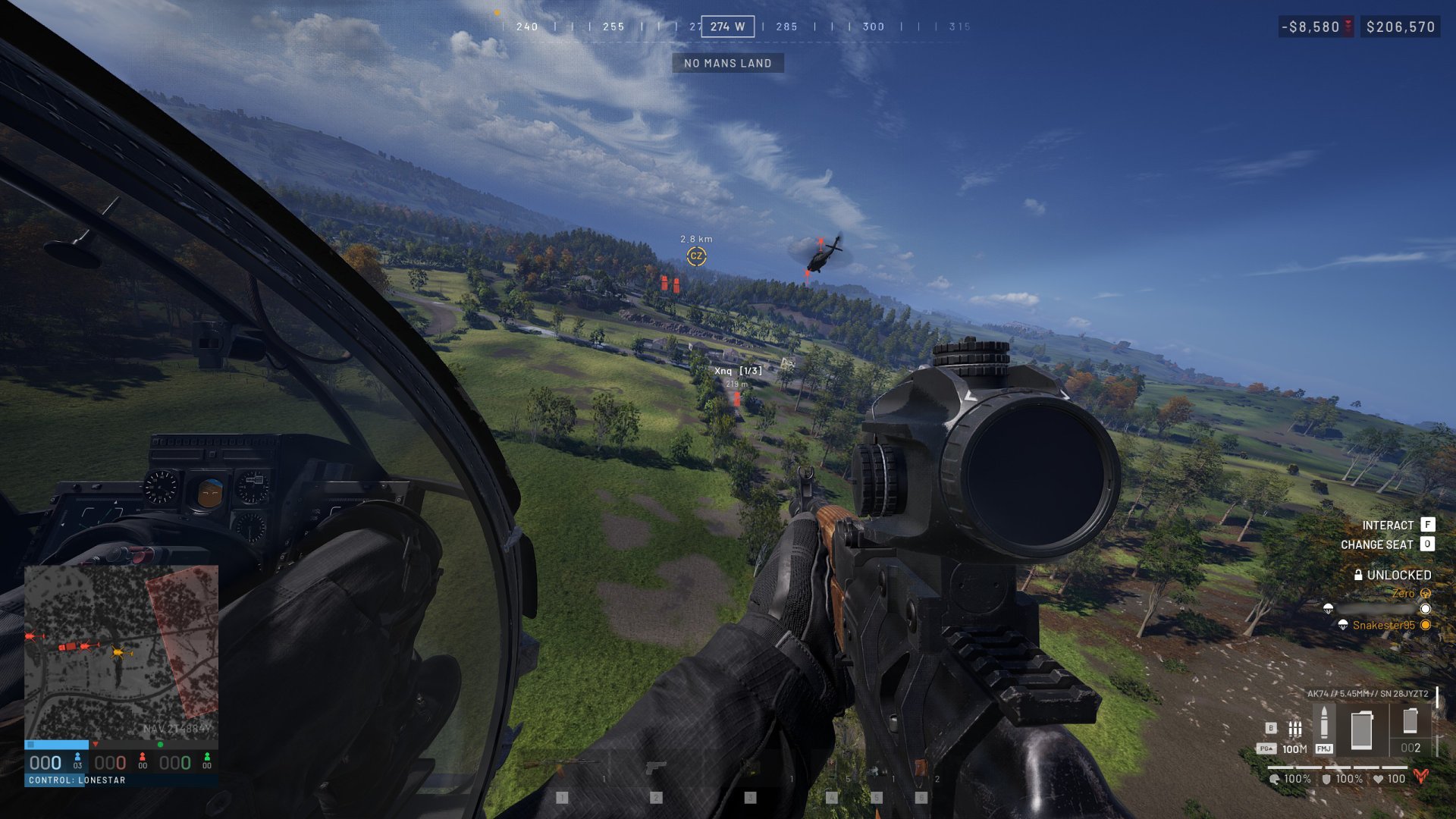
This is one of the simpler tips that most players won’t know until they jump out of a helicopter for the first time. You’ll need to buy a parachute from the headquarters vendor if you want to airdrop into the zone. Otherwise, you’ll need a helicopter pilot who lands if you’re traveling by air. While this may change as players become more experienced, this isn’t common in Wardogs. It’s typically safer for them to do a quick flyover.
Tip 3 – Towers Hint at Where to Expect Enemies
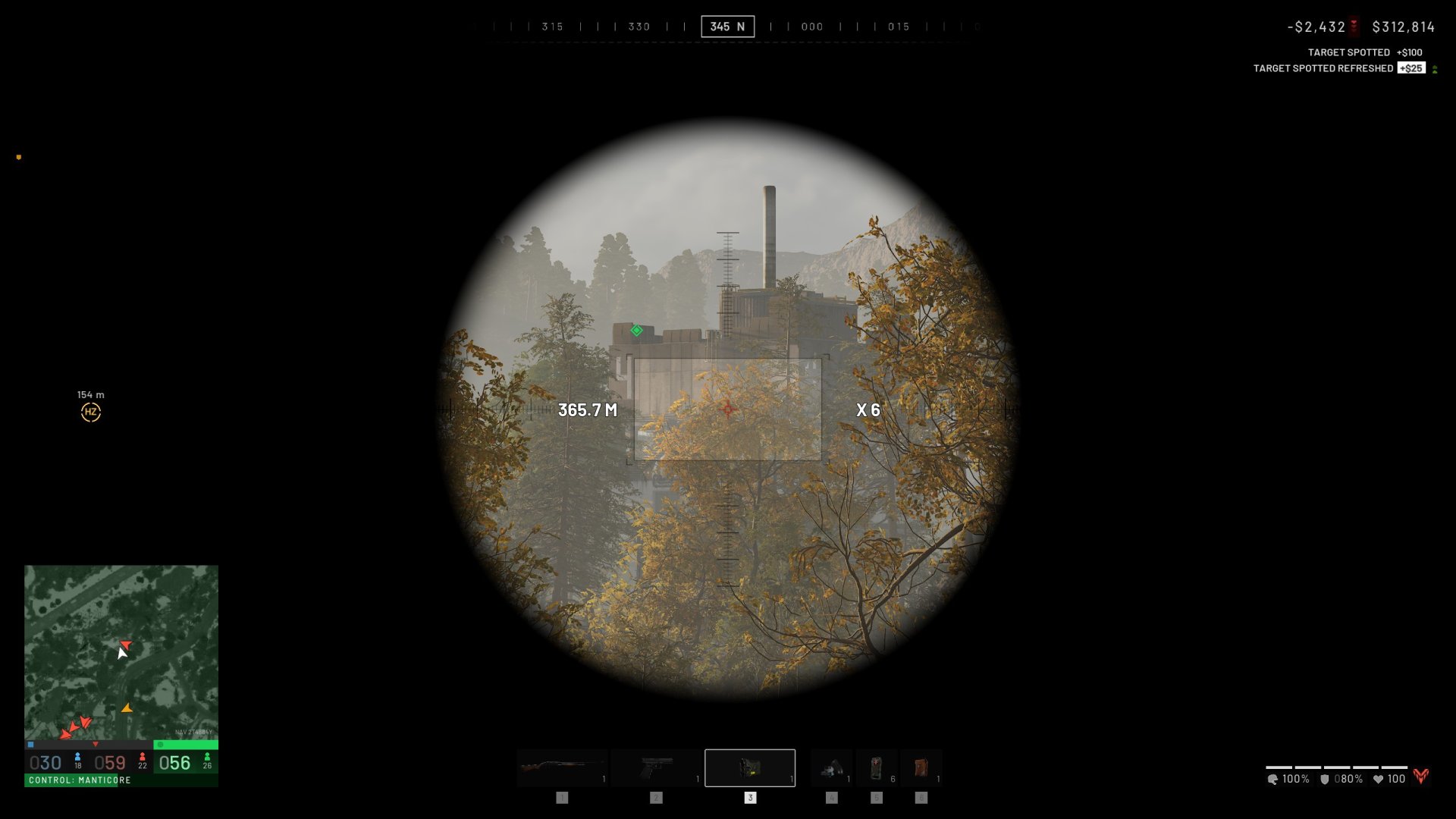
It can be difficult to get a sense of where enemies are coming from as you enter the zone. A good trick is to look for where enemy towers are if they’re using them as a FOB. This will clue you into where players are spawning if they have an APC or where heli drops frequently happen. On top of this, you can head toward the hot zone for action, but this has mixed results.
Another helpful bit is to be careful if an enemy tower has you in its line of sight. This is always a risk since it may have a sniper looking in your direction.
Tip 4 – Take Advantage of the Hot Zone
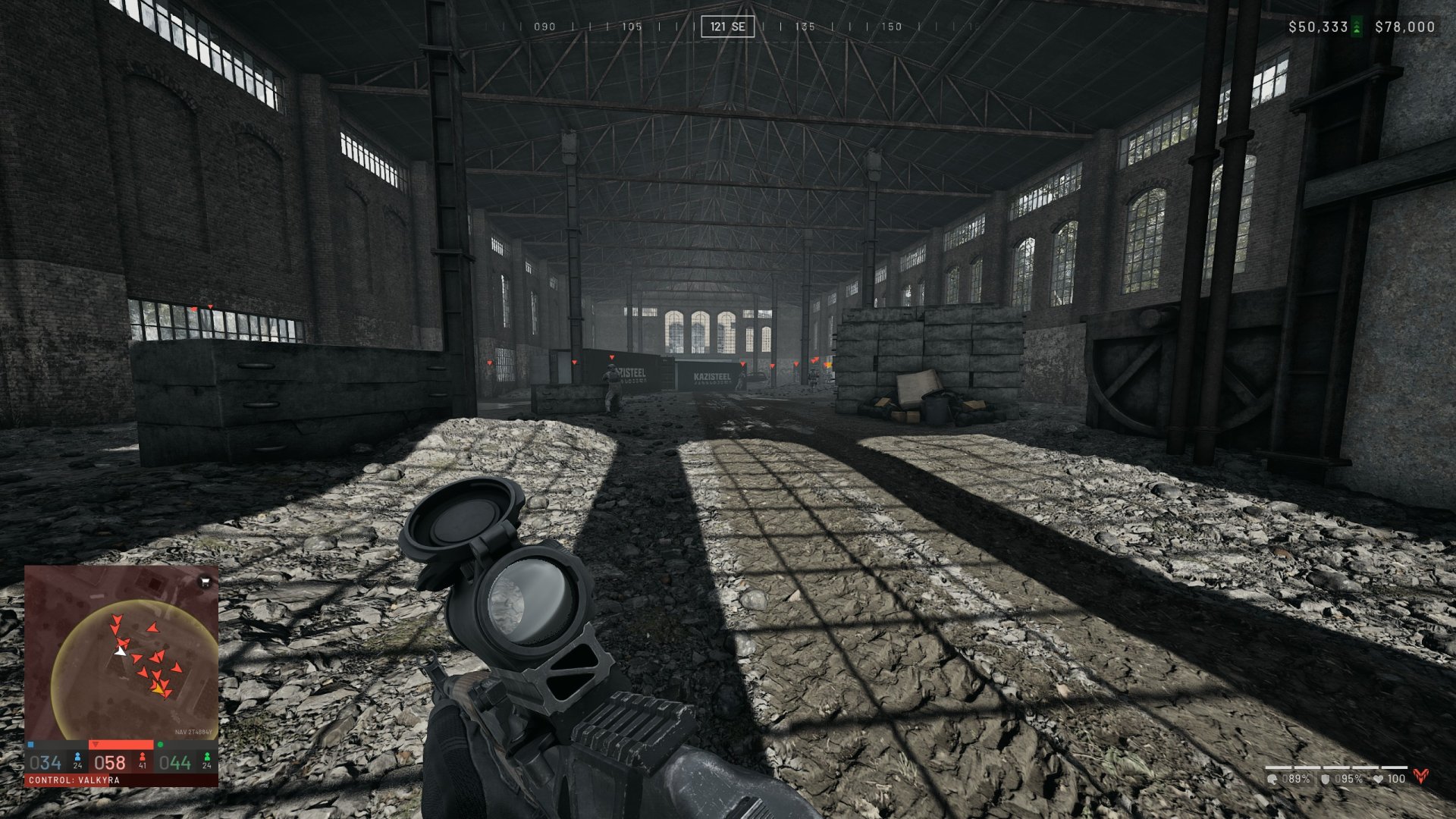
Building on the previous tip, don’t ignore the hot zone. Being inside the hot zone earns you more money and doubles your contribution to capturing the area. Every match varies since people often ignore the zone altogether. However, there is a trick to build a drill at a FOB and use fuel to drag the hot zone there instead. Otherwise, if you don’t have much help at the hot zone, you can try to eliminate those holding it.
Tip 5 – Good Logistics Wins the Game
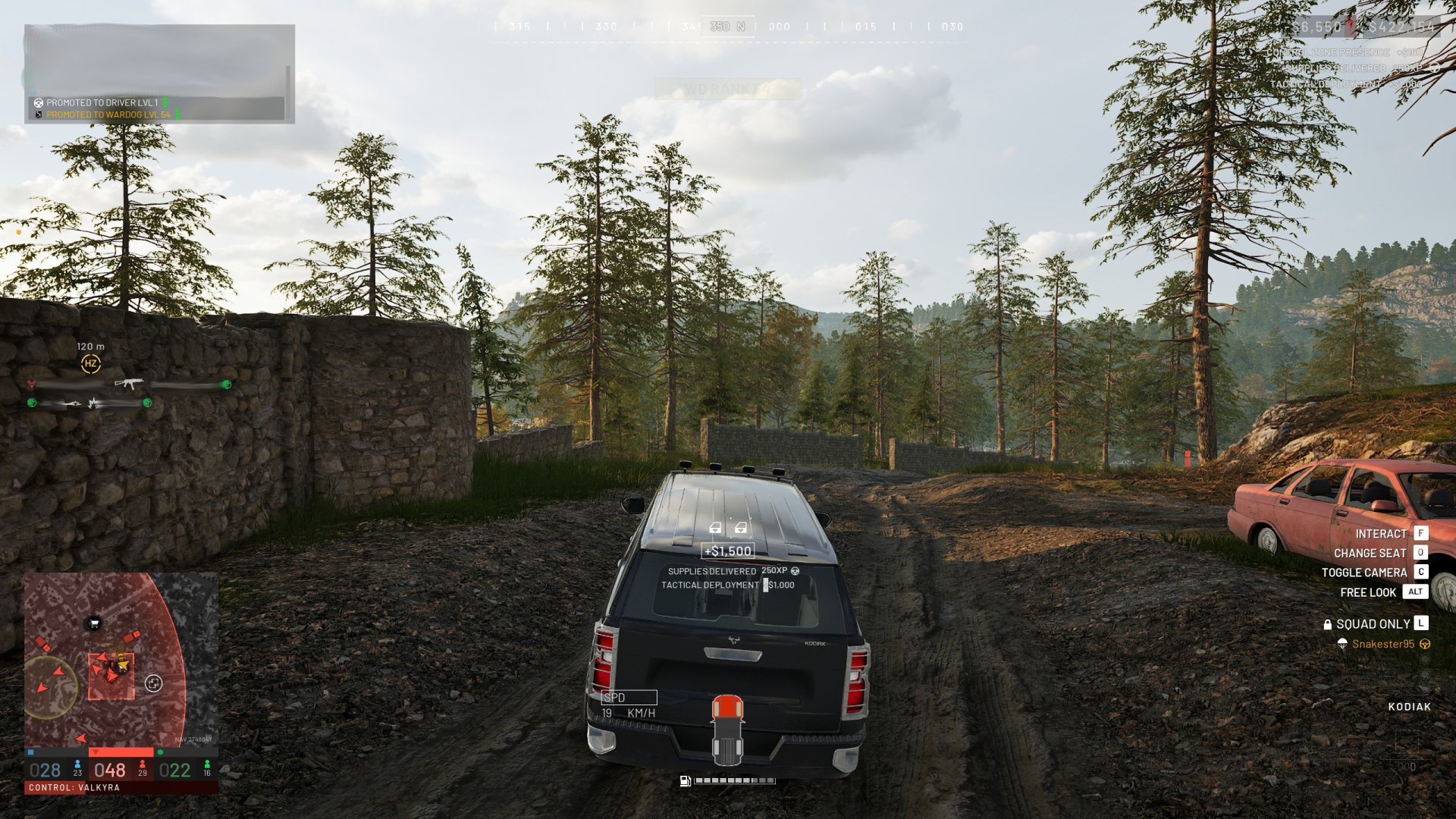
Having a strong source of transportation is a game-changer since this gets players to the zone and delivers supplies. At every level, you can deliver supplies to a friendly FOB. This includes traveling by land, helicopter, and even just using your backpack. Coordinate with your team if you’re comfortable transporting others and/or supplies. You can also earn a lot of money and experience while doing it.
Another tip regarding logistics is to unpack marked pallets at a FOB to transfer those resources. Otherwise, you may find small marked crates dropped by others that you can buy items from. You can grab these and manually transfer them into the FOB when interacting with it.
Tip 6 – A Trick For Hitting Yellow X Marks While Building
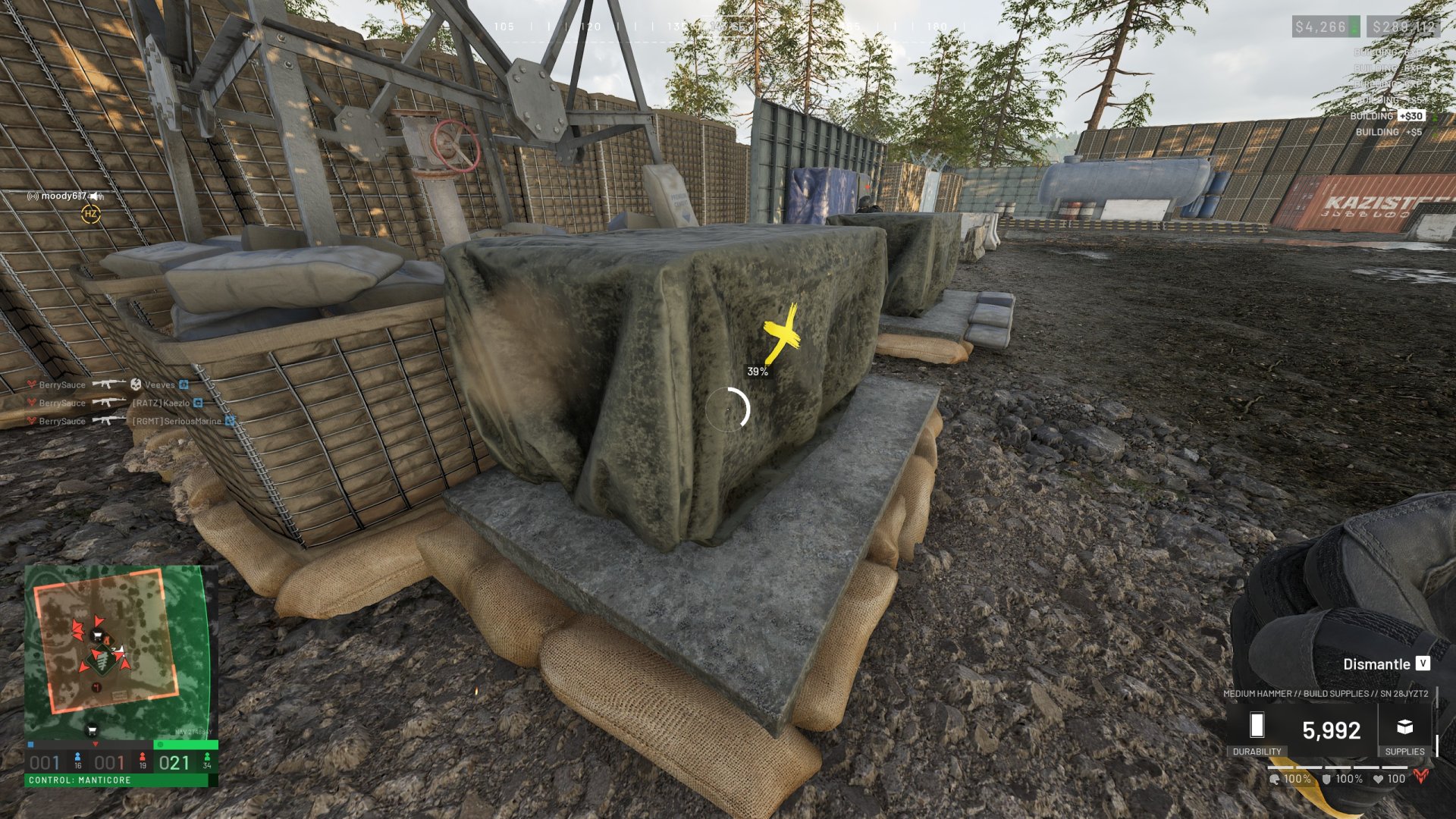
While building structures in Wardogs, you’ll see yellow X marks appear on what you’re building. Hitting these X marks will build it quicker, give you more money, and more experience. However, I frequently see players who run to hit each new one. Instead, if you’re safe, standing still will prevent them from getting too far away. The main risk is a sniper watching you from a nearby hill.
Tip 7 – Rebuy Your Loadout to Save Time
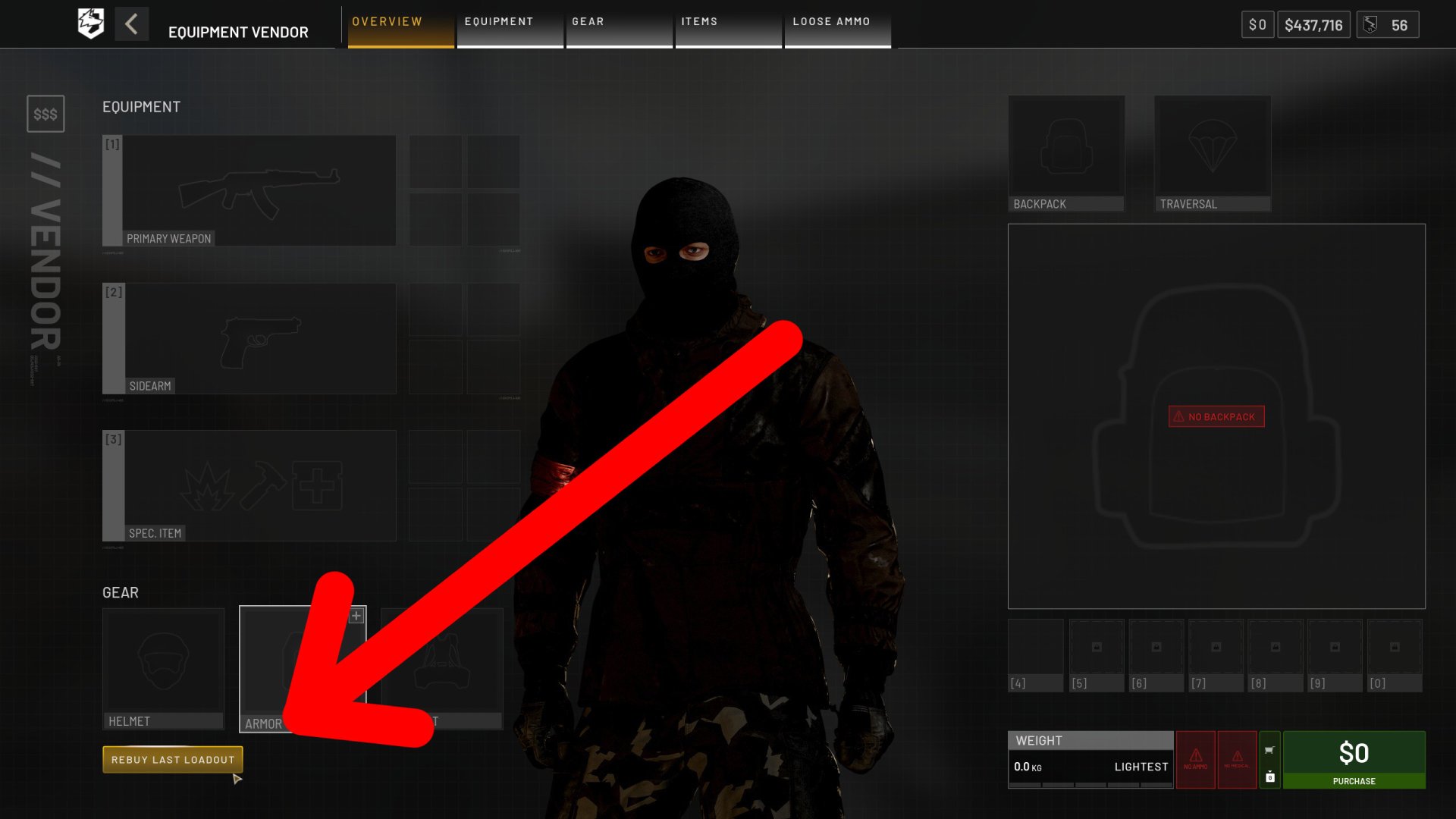
Rebuying your loadout at the headquarters is a good way to speed up the slow pace, especially if you’re trying to catch a heli. Once you’ve bought your first loadout in a match, you can click the button at the bottom-left corner in the vendor to rebuy your loadout. You’ll have a chance to remove certain items before confirming it, but it can be a little annoying to do.
Tip 8 – Use the APC to Spawn Into the Zone
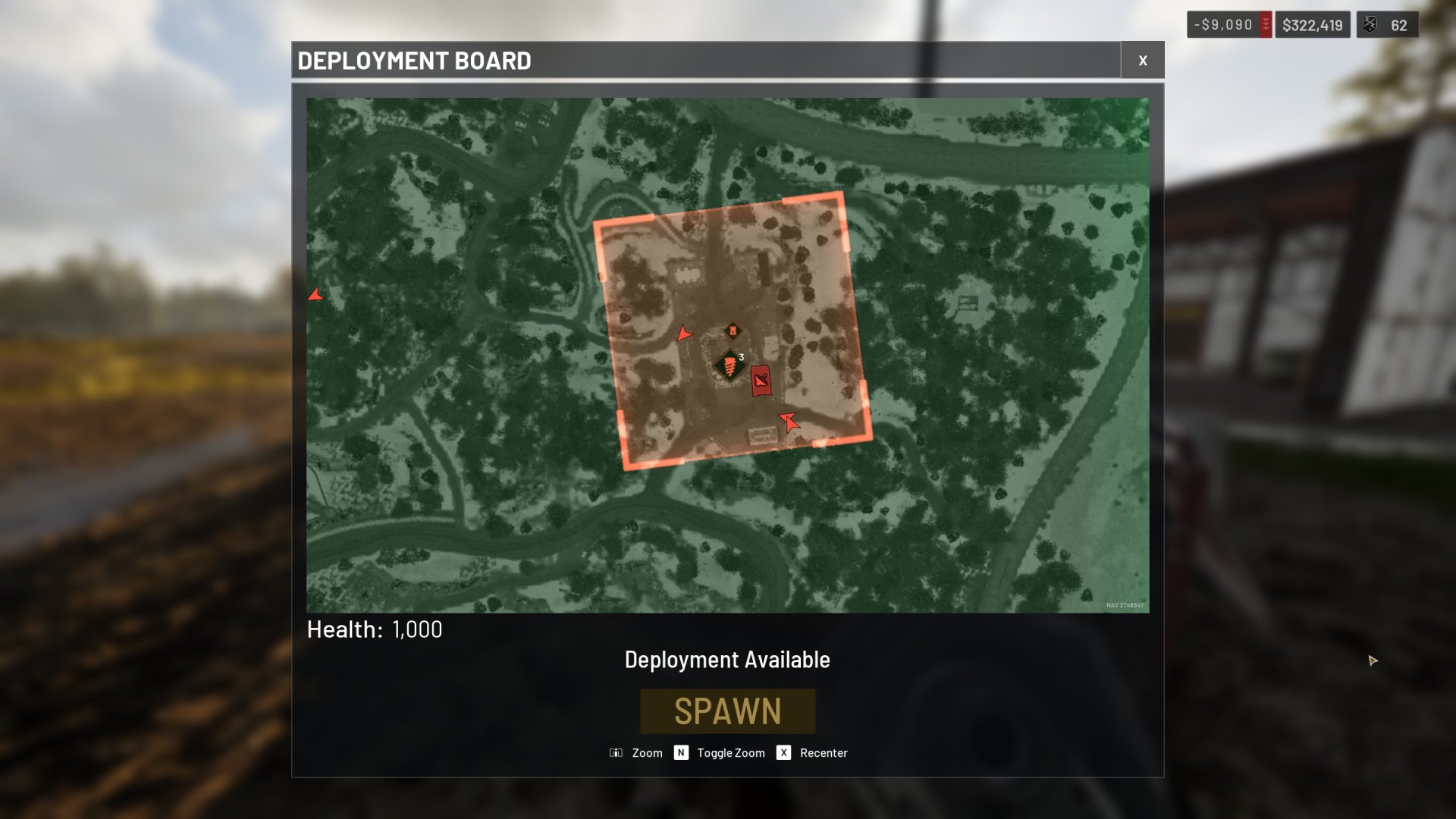
Once any of the three teams reaches 20 points, an APC will then spawn at each team’s headquarters. Getting this APC to the zone will allow other players to spawn onto it. The only requirements are that it’s not moving, that it’s in the zone, and that its antenna hasn’t been destroyed. This is a good way to get back into the zone quickly, even though it does have a cooldown. I believe the developers increased this cooldown from 5 minutes to 10 when Wardogs released.
Tip 9 – Remember to Close FOB Doors
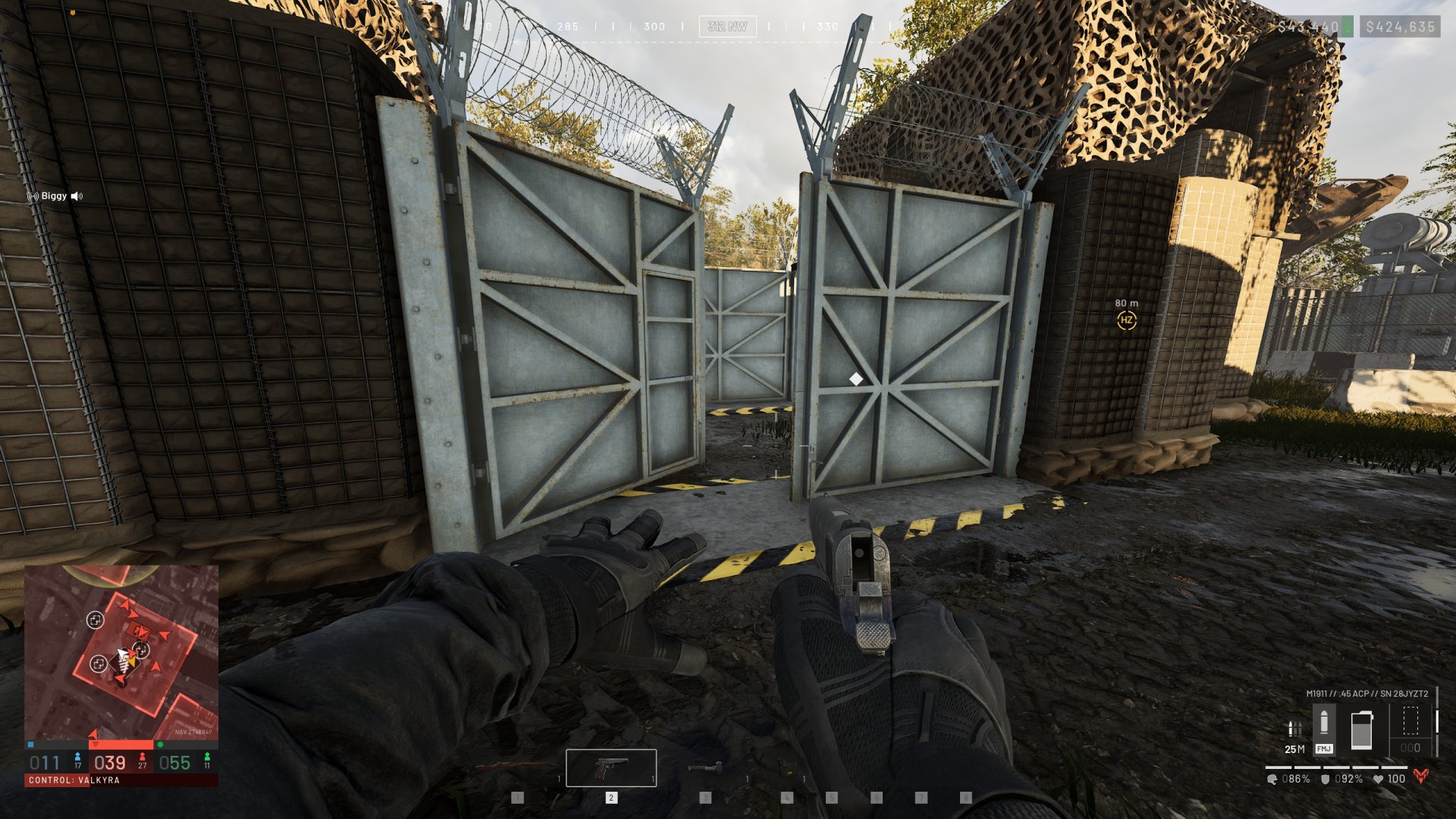
Players can build green doors and large double door gates for others to use. However, only the team that owns the FOB where these doors are can interact with them. This is why it’s especially important to keep them closed so others can’t get inside. One common mistake players make is trying to close a door while their body is in the way. This will make the door stop when it hits you instead of closing completely. Aside from this, you can use a Halligan Bar to open enemy green doors or explosives to get through a gate.
Tip 10 – You Can Middle-Click the Map to Ping
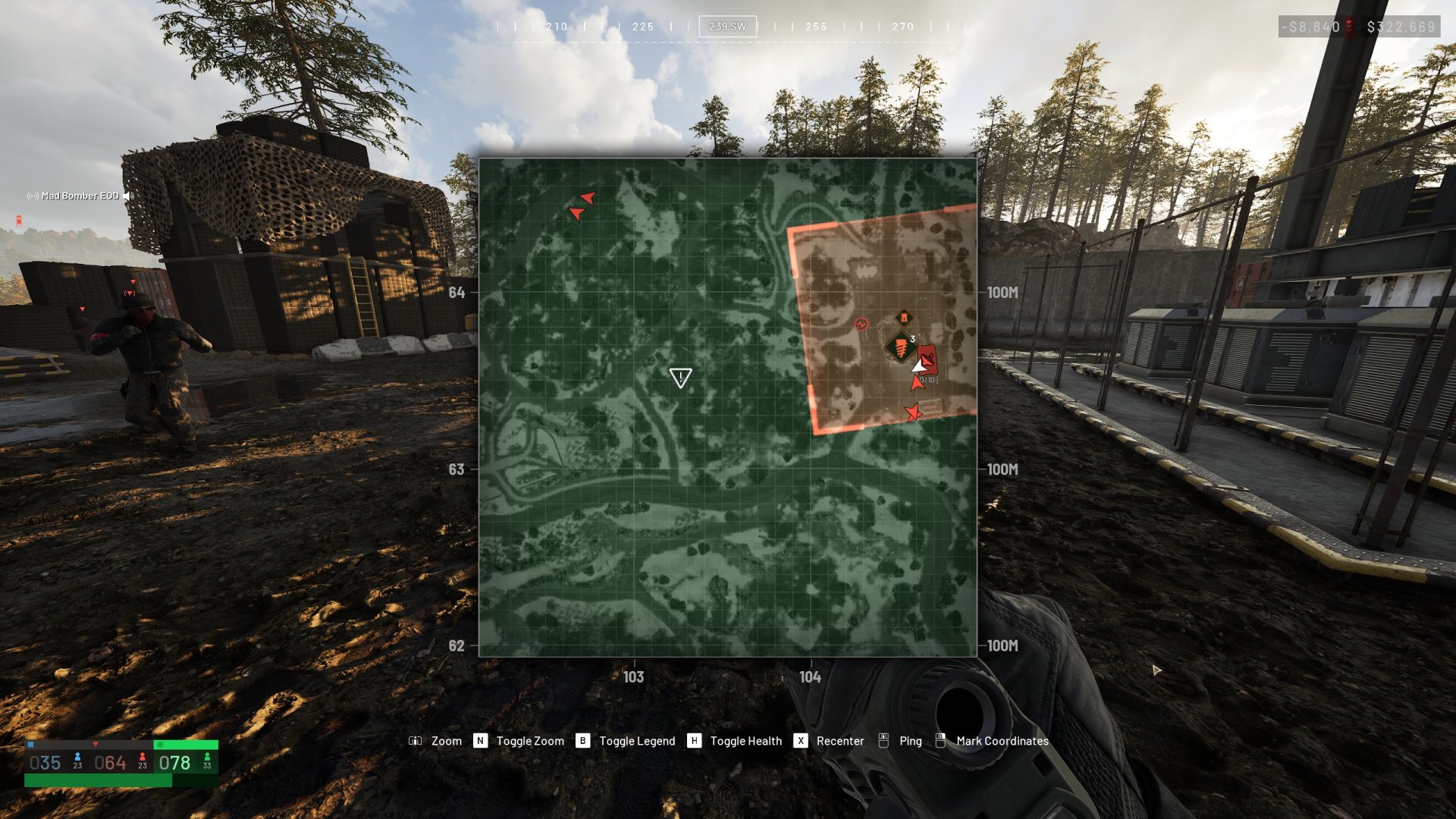
Middle-click is the default keybind for pinging in Wardogs. Pinging the map will only let you create a simple warning for your squad. Outside of the map, you can hold middle-click down to give more advanced information. With that said, the map pings are helpful for easily finding a spotted enemy or seeing an area you want to run toward.
Tip 11 – Double Tap Reload to Fast Reload
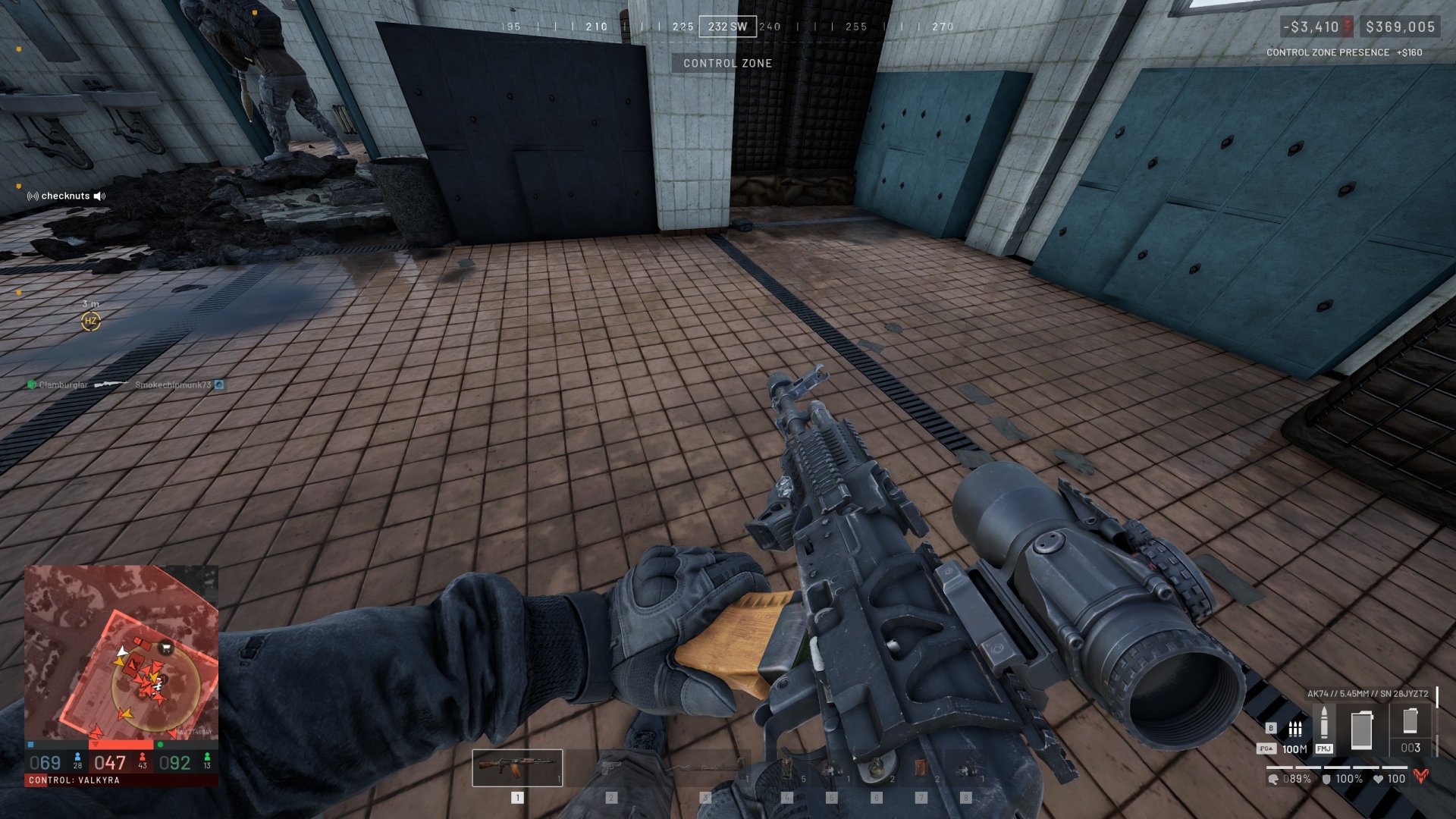
I didn’t realize for a while that Wardogs has a fast reload option that drops your magazine when doing it. Those who have played milsim games will likely be familiar with this concept already. As the tip says, you can double-tap your reload to drop your current magazine on the ground. This is a good way to reload quicker if you need to react quickly to an enemy. Another useful double-tap key to use is tapping sprint twice to do a tactical sprint.
Tip 12 – How to Peek Through Doors
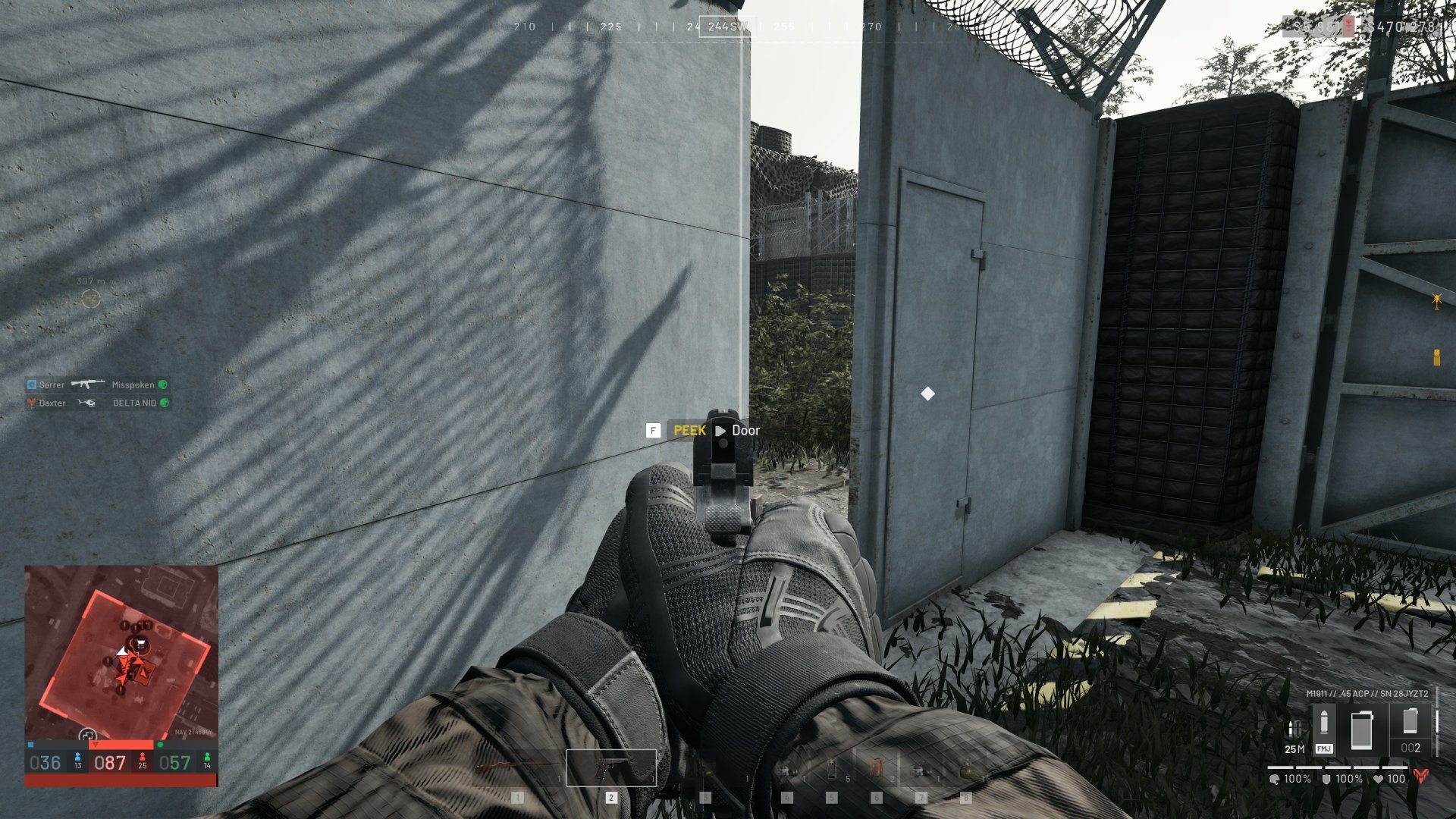
Did you know that you can peek through a door slightly if you aim at it before trying to open it? This will change the open button prompt to a peek one where it opens your door a little instead. You can repeat this to continue opening it a little more each time. Even if an enemy kills you while you’re peeking, they won’t be able to open the door more than you have if it’s a FOB-owned door.
Tip 13 – You Can Shoot Out a Car’s Tires
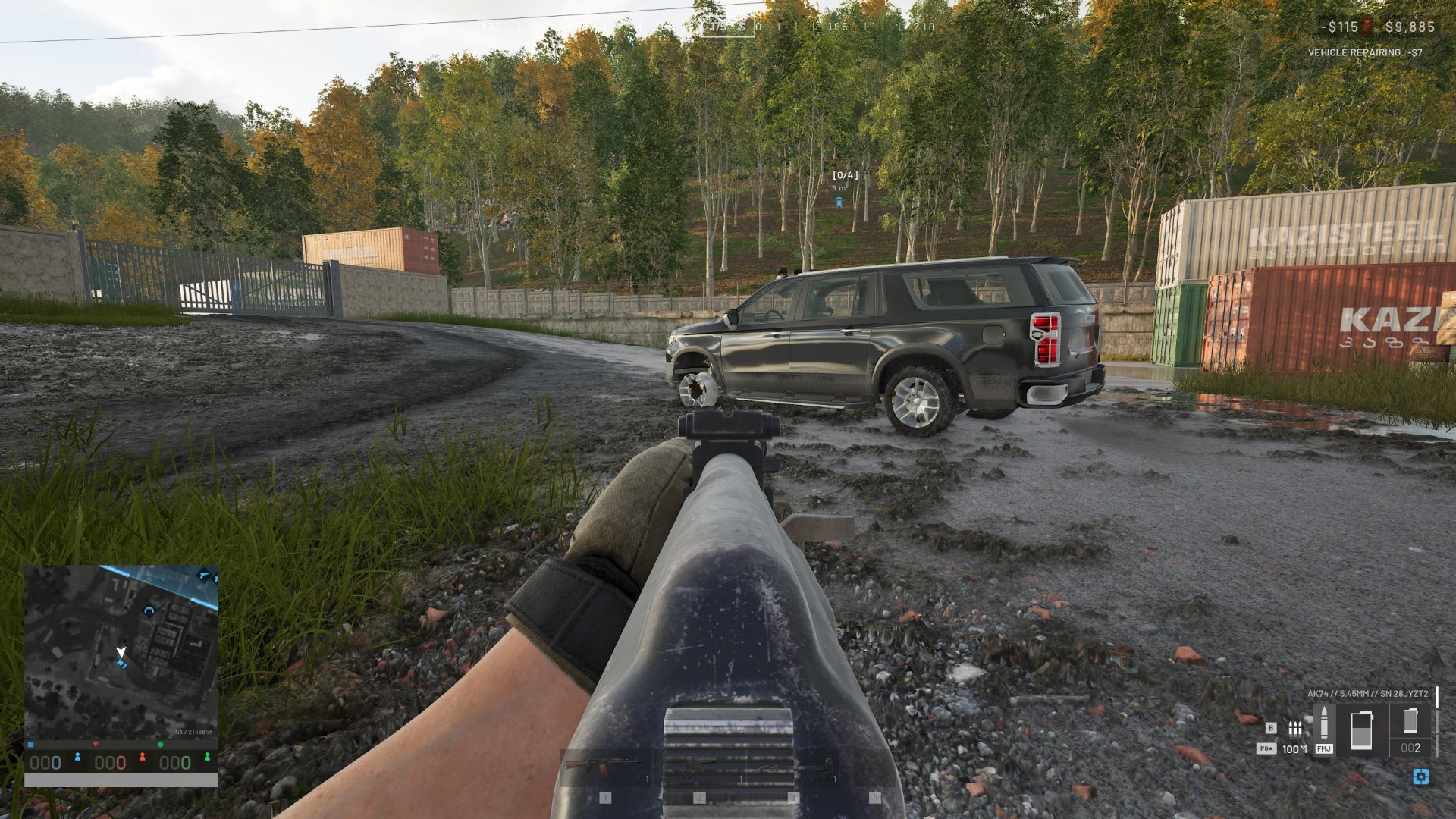
You’ll occasionally have an annoying squad with a vehicle that can be tough to deal with. A decent strategy if you don’t have explosives is to shoot at their wheels. Successfully destroying their wheels will slow them down. This can either help someone using an RPG or slow them down enough that it’s hard for them to ram you. Just be careful if you’re fighting against a vehicle with a manned weapon. In that case, you’re better off hiding!
Tip 14 – You Can Use Vehicles to Climb Over Hesco Cubes
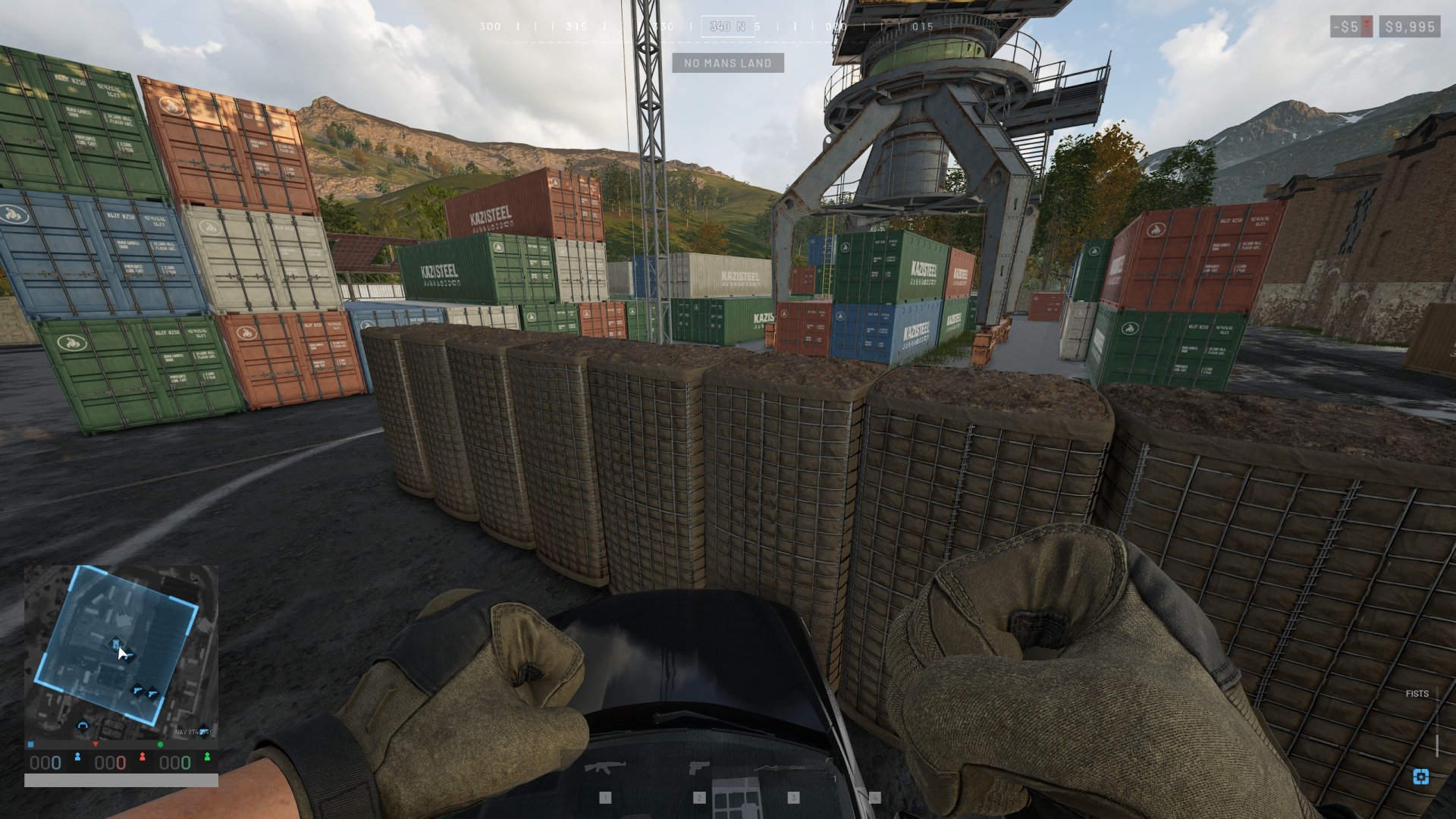
A strategy you’ll occasionally see is where players drive a vehicle like a Kodiak up to a Hesco wall to climb over it. The main way to prevent this is to build the wall four Hesco cubes high. Otherwise, you may be able to avoid it altogether with the tall concrete walls instead. But those require having a Large Hammer, which you may not immediately have available.
Tip 15 – Downed Teammates May Have a Resuscitator to Use
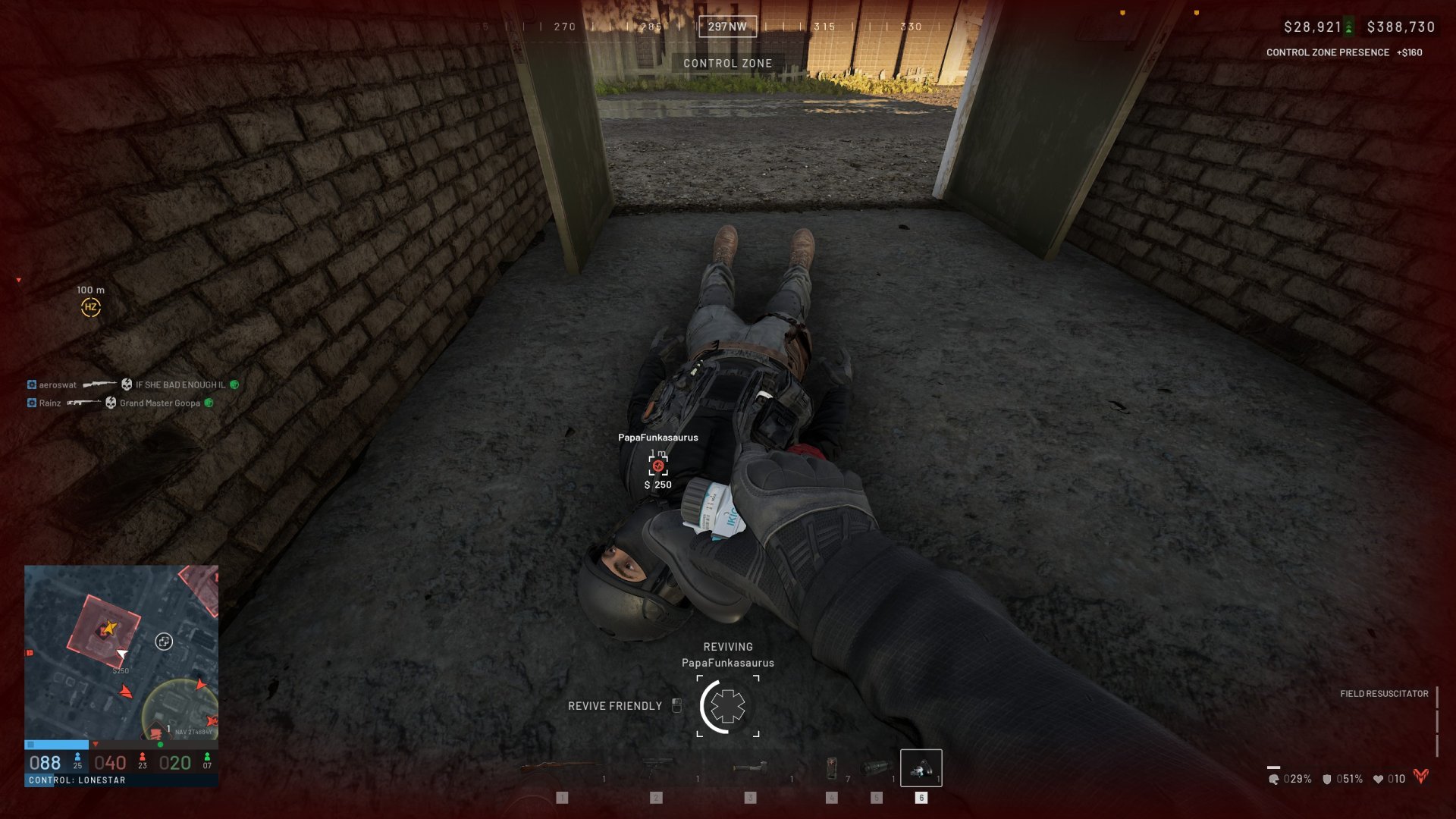
When reviving your teammates, you’ll want to have a resuscitator or defibrillator to speed up the process. Otherwise, you’ll have to rely on your magic hands to very slowly get them up. This is why it’s always worth checking your downed teammate’s inventory for a resuscitator to use. So make sure to bring at least the free resuscitator with you in case someone else needs to revive you.
Tip 16 – Loot Downed Enemies For Items & Attachments
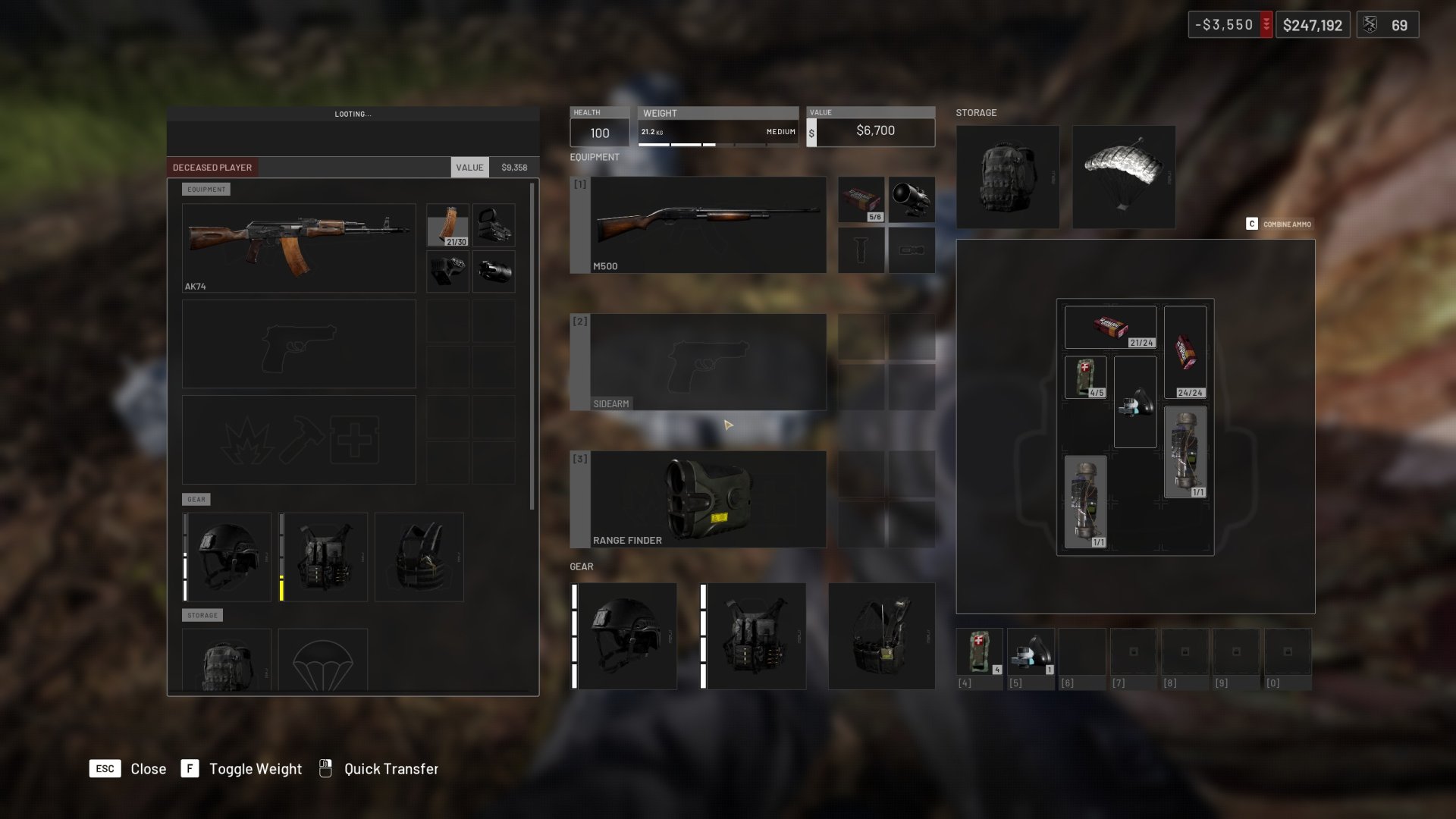
You’ll be at a slight disadvantage when first starting Wardogs since you won’t immediately have access to as much gear. However, you can still loot enemies and teammates who have abandoned their gear. This is a decent way to get items, better weapons, armor, bigger backpacks, and even attachments. Fortunately, many sights are interchangeable between weapons, so it can be worth checking if you don’t have one. This is also a good way to save money and resupply.
A bonus tip is that a player body is only visible if they haven’t given up yet. You can use this information to know if they’re waiting for someone nearby to revive them. Once they’ve given up, their body will disappear, leaving behind only a backpack.
Tip 17 – Bring Loose Ammo For Filling and Combining
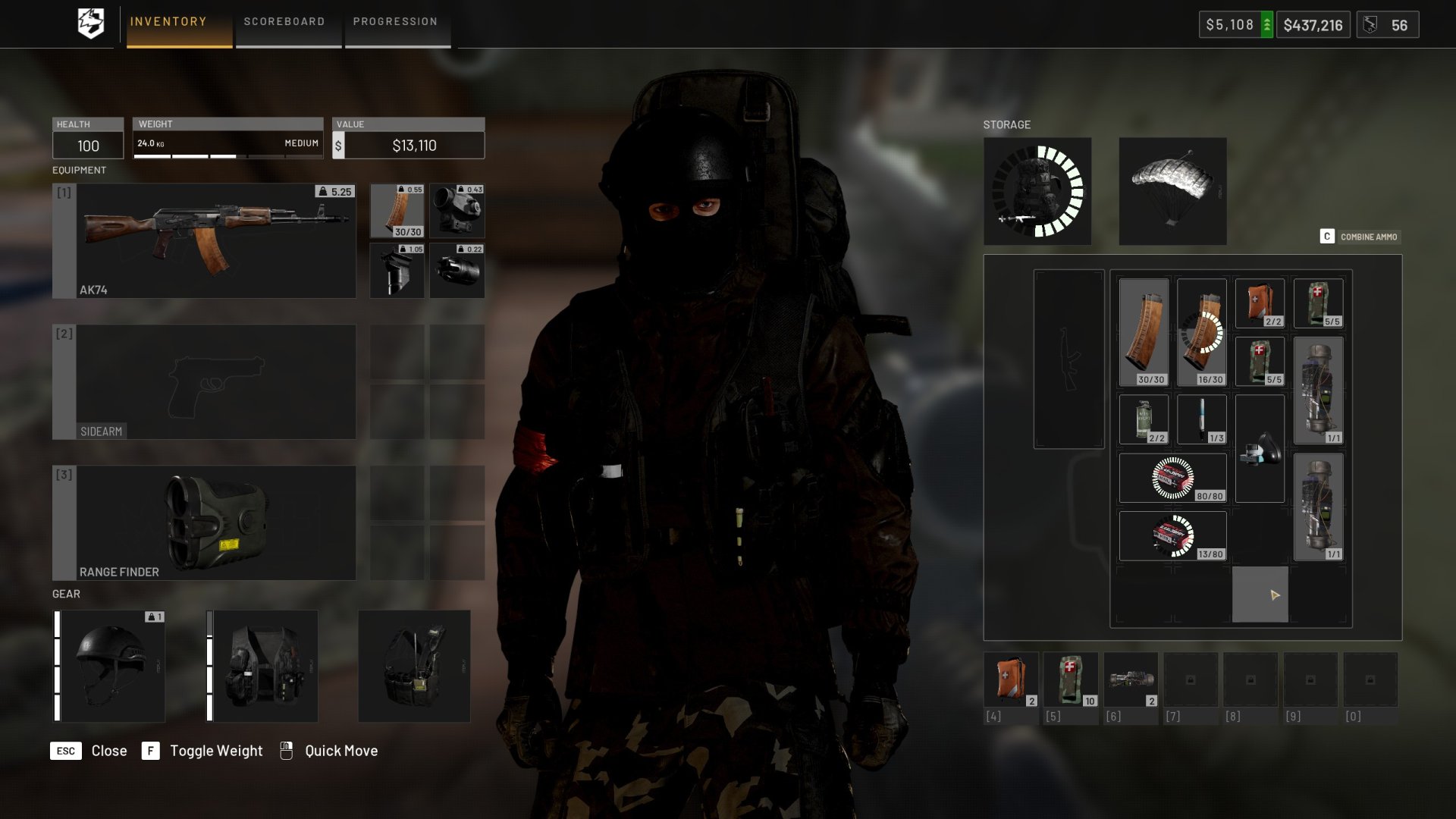
Many loadouts benefit from bringing loose ammo that you can then add to your empty magazines. While this does take some time, it’s a good way to get more out of your limited inventory space. By default, you can tap the C button to start combining ammo across your magazines and loose ammo. Otherwise, drag the loose ammo to a magazine to fill it.
Tip 18 – Work Together With Your Teammates
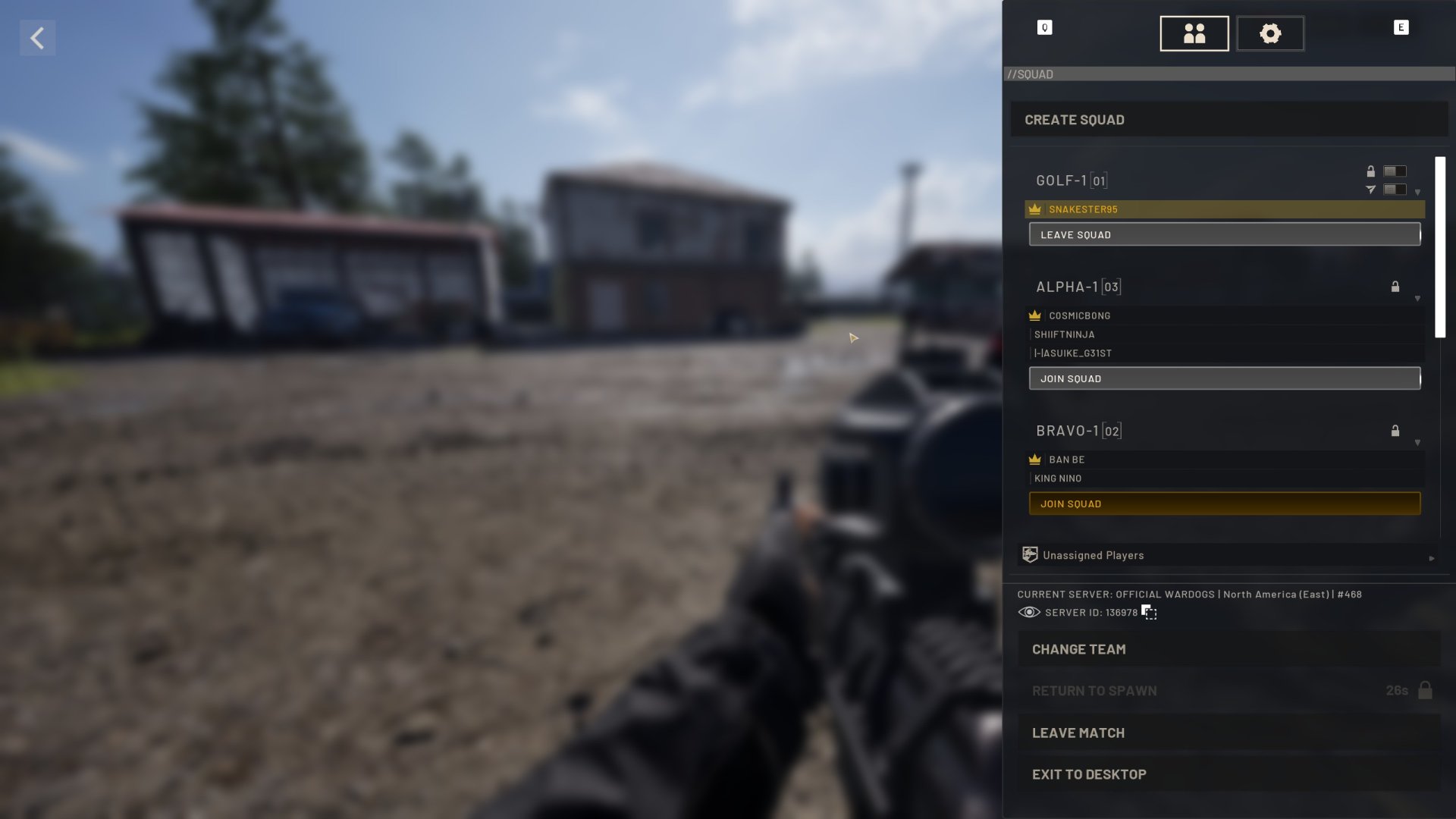
This basic tip may be a bit silly to include, but it’s an obvious one worth emphasizing! By playing with a group or at least near other players, you’ll have a better chance of surviving and getting help when you need it. You can even join or create a squad by pressing Escape and then looking at the list on the right side of your screen.
As mentioned earlier, we could probably go on forever with different Wardogs tips and tricks. Instead of doing that, we’ll cut it off here and hope that we’ve taught you a few helpful tips! Feel free to share some of your own in the comments for others.

Jeff is a journalist with over 10 years of experience writing, streaming, and making content about video games. With an associate degree in journalism, he’s a sucker for RPGs, survival games, roguelikes, and more.